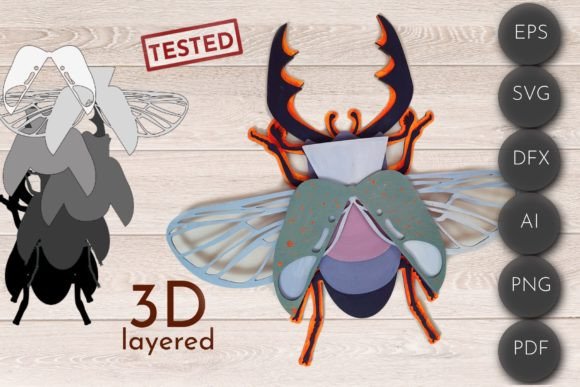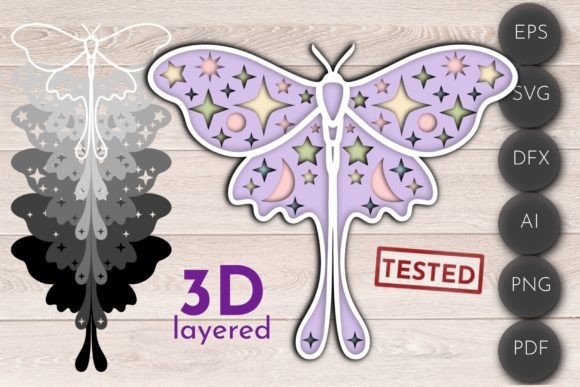
Butterfly SVG 3D Layered Laser Cut Files for Creative Projects
SVG files have become a staple in the world of digital design, especially when it comes to laser cutting and crafting. Among the many available designs, the Butterfly SVG 3D Layered Laser Cut File stands out as a versatile and visually appealing option for both professionals and hobbyists. These files are ideal for creating intricate and detailed butterflies that can be assembled into stunning three-dimensional pieces. Whether you're using a Glowforge, other laser machines, CNC routers, or Cricut devices, these layered SVGs offer endless possibilities for home decor, educational projects, or artistic displays.
Understanding the Butterfly SVG 3D Layered Design
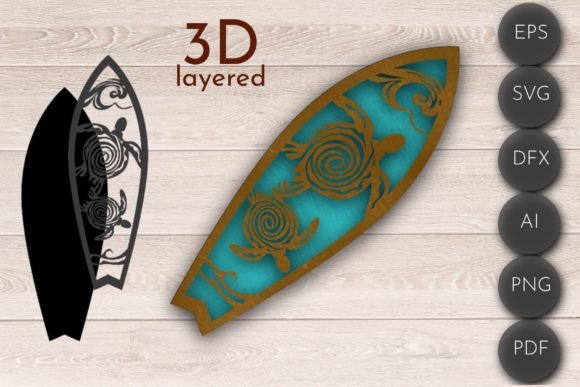
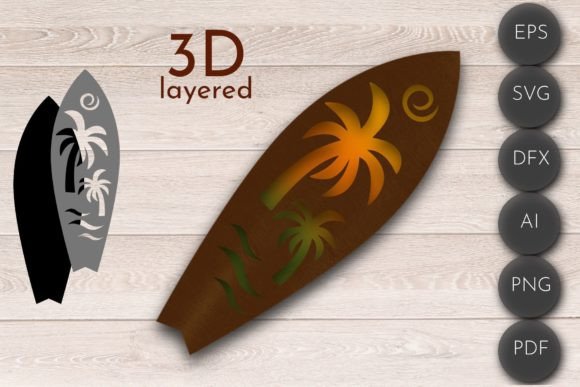
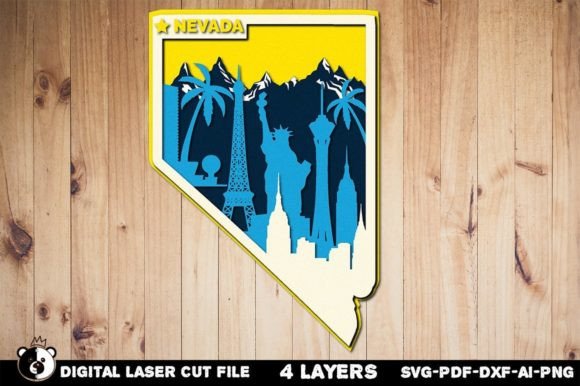
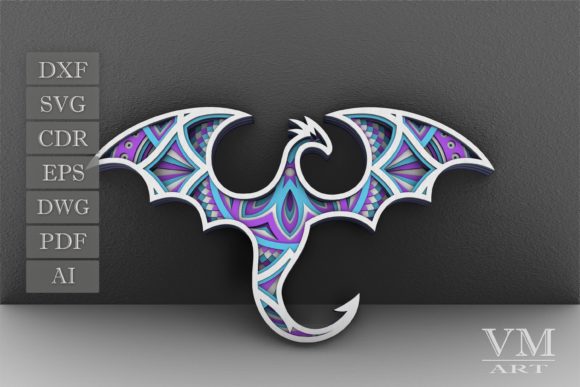
The Butterfly SVG 3D Layered Laser Cut File is more than just a flat illustration—it's a carefully constructed multi-layer design that allows for depth and dimension when cut and assembled. The layers typically represent different parts of the butterfly, such as the wings, body, and antennae, each designed to fit together seamlessly. This makes it easy to create realistic-looking butterflies from materials like wood, acrylic, or MDF without requiring advanced sculpting skills.
These files are often created using vector graphics software like Adobe Illustrator (AI), where designers can manipulate shapes and lines with precision. The layered structure ensures that every component of the butterfly remains distinct and manageable during the design and assembly process. Once finalized, the file is exported in various formats—SVG, DXF, PDF, PNG, EPS, and AI—to suit different machines and workflows.
Outline vs. Filled Layered Files
When working with the Butterfly SVG 3D Layered Laser Cut File, users will typically find two types of files included: outline layered files and filled layered files. Both serve unique purposes depending on the desired outcome and the type of machine being used.
- Outline layered files (AI, SVG, DXF, PDF, PNG, EPS): These files feature individual elements defined by their outlines rather than filled colors. They are particularly useful for laser cutting because they allow the machine to precisely follow the lines without interference from fill patterns. Outline files also make it easier to paint or stain each layer separately after cutting.
- Filled layered files (AI): In contrast, filled layered files come with color or pattern fills applied to each section. While they may not be as suitable for all laser-cutting applications, they can be helpful for visualizing how the final piece will look before starting the physical creation process. Some crafters prefer filled files for use in Cricut projects or when printing templates for manual cutting.
Applications and Use Cases
The beauty of the Butterfly SVG 3D Layered Laser Cut File lies in its adaptability. Here are several ways this design can be utilized across different fields:
- Home Decor: One of the most popular uses is for wall art, shadow boxes, or floating shelves. By assembling the butterfly layers with glue or magnets, you can create eye-catching decorations that add a natural and elegant touch to any room.
- Event Decoration: These butterflies can also be customized for weddings, birthdays, or corporate events. Hang them from ceilings, attach them to centerpieces, or use them as part of photo backdrops for an artistic flair.
- Educational Tools: Teachers and educators can incorporate these laser-cut butterflies into biology lessons about pollination or insect anatomy. The layered design helps students visualize the structure of a butterfly in a hands-on way.
- Crafting and DIY Kits: For makers and hobbyists, pre-designed layered SVGs make excellent components for kits sold online or at local craft fairs. Customers appreciate the convenience of having everything ready to go, from the file to the instructions.
- Commercial Products: Entrepreneurs can leverage these files to produce branded merchandise like keychains, ornaments, or even furniture accents. The customizable nature of SVG files means they can be adapted to include logos, names, or special messages.
Why Choose 3D Layered Laser Cut Files?
There are several compelling reasons to choose 3D layered laser cut files over traditional methods or simpler SVG designs:
- Precision and Detail: The layered format allows for high levels of detail, making it possible to replicate the delicate veins and patterns of real butterfly wings accurately.
- Customization Options: With multiple file formats included, users can modify the design to suit their needs—whether adjusting size, adding text, or experimenting with different materials.
- Time Efficiency: Unlike hand-carving or painting, laser cutting ensures consistent results quickly. This efficiency is crucial for both small-scale projects and large production runs.
- Material Versatility: These files work well with a variety of materials including balsa wood, basswood, acrylic sheets, and thin plywood. Each material offers a unique aesthetic and durability level, allowing creators to tailor the finished product to their vision.
- Reusability: Since the layers are separate, they can be reused or repurposed for new designs. This opens up opportunities for innovation and experimentation beyond the original butterfly concept.
Considerations for Optimal Results
While the Butterfly SVG 3D Layered Laser Cut File is highly adaptable, there are some considerations to keep in mind for optimal results:
Machine Compatibility: Not all laser cutters interpret file formats the same way. For example, Glowforge users might find SVG files most convenient due to the platform’s support for vector graphics. However, CNC routers often require DXF or AI files for precise tool paths. Always verify your machine’s recommended file types before proceeding.
Layer Thickness and Spacing: When designing or purchasing these files, pay attention to the thickness of each layer and the spacing between them. Proper spacing is essential for maintaining the illusion of depth once assembled. Too much or too little space can affect the overall appearance and structural integrity of the piece.
Material Selection: Choosing the right material depends on the project's purpose. Acrylic offers a modern, glossy finish and is ideal for indoor displays. Wood provides a warm, organic feel and is perfect for rustic or nature-themed décor. Always consider the weight, flexibility, and finish of the material when selecting one for your project.
Assembly Techniques: After cutting, the layers must be assembled correctly. Common techniques include using white glue, double-sided foam adhesive, or magnetic backing. Some creators prefer leaving the layers unpainted for a minimalist look, while others enjoy the creative freedom of staining or painting each layer individually.
Real-World Examples and Observations
In recent years, many artisans have turned to 3D layered SVG designs like the Butterfly SVG for innovative creations. A notable example is a craftsman who sells custom wooden butterflies made from these files, offering clients options for engraving names or dates onto the base. Another instance involves a school teacher who uses the design to teach geometry and spatial reasoning through hands-on construction activities.
Additionally, businesses have found success in using these files for branding initiatives. A boutique coffee shop, for example, had butterflies laser cut from acrylic and mounted above their barista station, which became a signature feature of their brand identity. Such examples demonstrate the practical value and aesthetic appeal of these files in diverse settings.
Workflow Tips for Using Butterfly SVG Files
Creating a 3D butterfly from SVG files involves a few key steps. Here’s a streamlined workflow to guide you:
- Select Your File Type: Choose between outline and filled layered files based on your machine and project goals. If you’re unsure, start with the outline version for greater control over the final look.
- Prepare Your Material: Measure and prepare your chosen material according to the dimensions specified in the file. Ensure it is clean and free of defects to avoid issues during cutting.
- Import and Adjust: Import the file into your laser cutter or CNC software and adjust the size if needed. Make sure the layers are properly aligned and set to the correct cut or engrave mode.
- Perform Test Cuts: Before committing to a full run, perform a test cut on a scrap piece of material to ensure accuracy and make any necessary adjustments.
- Assemble and Finish: Carefully assemble the layers using the recommended technique. Apply finishes like paint, varnish, or sealant to protect the artwork and enhance its appearance.
This process can vary slightly depending on the specific machine and materials used, but the core principles remain the same. Practicing patience and attention to detail will yield the best results.
Comparing Butterfly SVG Files with Other Designs
Compared to standard 2D SVG files, the 3D layered version adds an extra dimension of complexity and visual interest. Traditional flat SVGs are great for simple engravings or prints, but they lack the tactile and dimensional qualities that 3D layered designs provide. Additionally, unlike generic clipart or stock images, the Butterfly SVG 3D Layered Laser Cut File is specifically crafted for layer-by-layer construction, ensuring compatibility and ease of use across different platforms.
Another advantage is scalability. Because the file is vector-based, it can be resized without losing quality. This makes it suitable for both small keepsakes and large decorative installations. Furthermore, the layered approach simplifies the process of modifying the design—users can easily remove or add sections to customize the butterfly’s appearance.
Trends and Innovations in Laser-Cutting Art
Laser-cutting has seen a surge in popularity among artists and designers, thanks to its accessibility and precision. The trend of using layered SVG files like the Butterfly SVG 3D variant reflects a broader shift toward modular, interactive, and customizable art. As more people invest in tools like Glowforge and Cricut, demand for high-quality, pre-designed files continues to rise.
One emerging innovation is the integration of electronics into laser-cut art. For example, some creators embed LED lights behind the butterfly layers to create glowing effects. Others combine laser-cut butterflies with sound elements or motion sensors to turn static art into dynamic experiences. These enhancements highlight the potential for combining traditional craftsmanship with modern technology.
Moreover, sustainability is becoming a key focus in the laser-cutting community. Many artisans now use reclaimed wood or eco-friendly materials when producing butterflies and similar designs. This not only supports environmental values but also adds character to the final product.
Final Thoughts on Practical Implementation
Whether you're an experienced maker or a beginner exploring the world of laser cutting, the Butterfly SVG 3D Layered Laser Cut File is a valuable resource. Its structured layers and compatibility with multiple file formats make it accessible to a wide range of users and machines. From personal projects to commercial ventures, this design bridges the gap between creativity and functionality.
By understanding the nuances of layered SVG files and tailoring your workflow to your specific tools and goals, you can unlock a world of artistic expression. The key is to experiment, learn from each project, and embrace the flexibility that these files offer. As the craft and tech industries continue to evolve, the ability to adapt and innovate with resources like the Butterfly SVG will remain a vital skill for anyone passionate about design and fabrication.